What are Font Awesome icon cards?
Icon cards are small, clickable tiles that combine an icon, a title, and a short description into a single visual element. They are a clean and effective way to give visitors a quick overview of what is on your page or where they can go next.
They work because they are easy to scan, visually distinct, and accessible on any device.
What the Font Awesome Cards module does
The Font Awesome Cards module lets you build these icon cards directly in Cascade without any design experience or custom code. Each card links to a page, a file, or a section on the same page. You choose the icon, write the title and description, and Cascade handles the layout.
The icons come from Font Awesome, a widely used icon library with thousands of options covering everything from academic and administrative topics to general web navigation. If there is a concept you need to represent visually, there is almost certainly an icon for it.
What's included in the module
- Link type: Choose how the card links. Internal links go to another page or file inside Cascade. External links go to a URL outside of Cascade. Anchor links go to a specific
section on the same page.
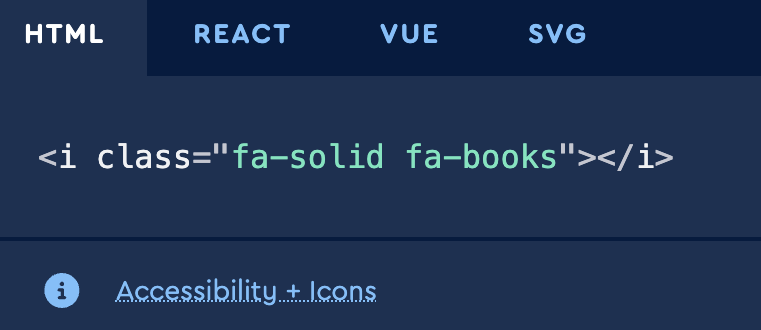
- Font Awesome icon: An optional icon that appears at the top of the card. You choose the icon using its Font Awesome class name. The editor guide walks you through how to
find and copy the right class from the Font Awesome library.
- Card title: The main label for the card, displayed as a Heading 3. This is required and should clearly describe where the card goes or what it represents.
- Blurb: An optional short description beneath the card title. Use this to give visitors a bit more context about what they will find when they click.
Unsure of which icon you want? You can also browse by category.
Need help?
Visit the Cascade Editor Guide for step-by-step instructions on adding icon cards to your page, including how to find the right icon in the Font Awesome library. If you need support, submit a request and the Web Services team will help.