Order Stationery
Order Stationery
 Please follow the below instructions:
- Click on the Rowan logo below that shows your primary affiliation.
- Sign in. If you do not have an existing account, choose I am a new customer.
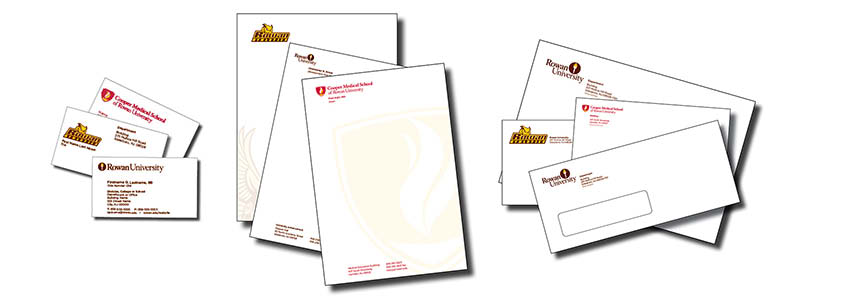
- Click on the Order Business Cards, Letterhead and Envelopes tab and select the item you would like to order.
- Select from the Card Type drop-down box.
- A divison, college or school must be selected to generate the Department drop-down box.
- Enter the information, then Refresh or View PDF Proof
- In the gray box at left:
- Select Quantity
- If an option is not listed in a drop-down or if you have special instructions, please enter this in the Notes area. A revised proof will be emailed to you for your review before your order is submitted to the printer.
- Check box to submit for review
- Click the Add to Cart button
- Click the Add to Your Order button to order more stationery
- Once all items are in the cart, choose Check Out
- Enter your name, department and building. If someone else will process the requisition, enter that person's contact information.
- Select Continue
- Write down your Cart Number
- Open a new browser tab, log into ProConnect, then begin the requisition process using vendor ID 910002439 for Pirolli Printing.
- Use Commodity Code CD469-000
- Enter your cart number and a short description to insure proper payment to the vendor. For example:
- Cart # 161859 Business Cards for A. Smith
- Cart # 161859 Letterhead for Admissions Office
- Cart # 161859 Envelopes #10 Window for Admissions Office
- After your requisition is complete, enter the requisition number in the Requisition # box.
- Select Place Order